Don't speak fluent German? Don't worry. We also offer English doctor calls. You can indicate your preference in the medical questionnaire when requesting a treatment.
1. Register
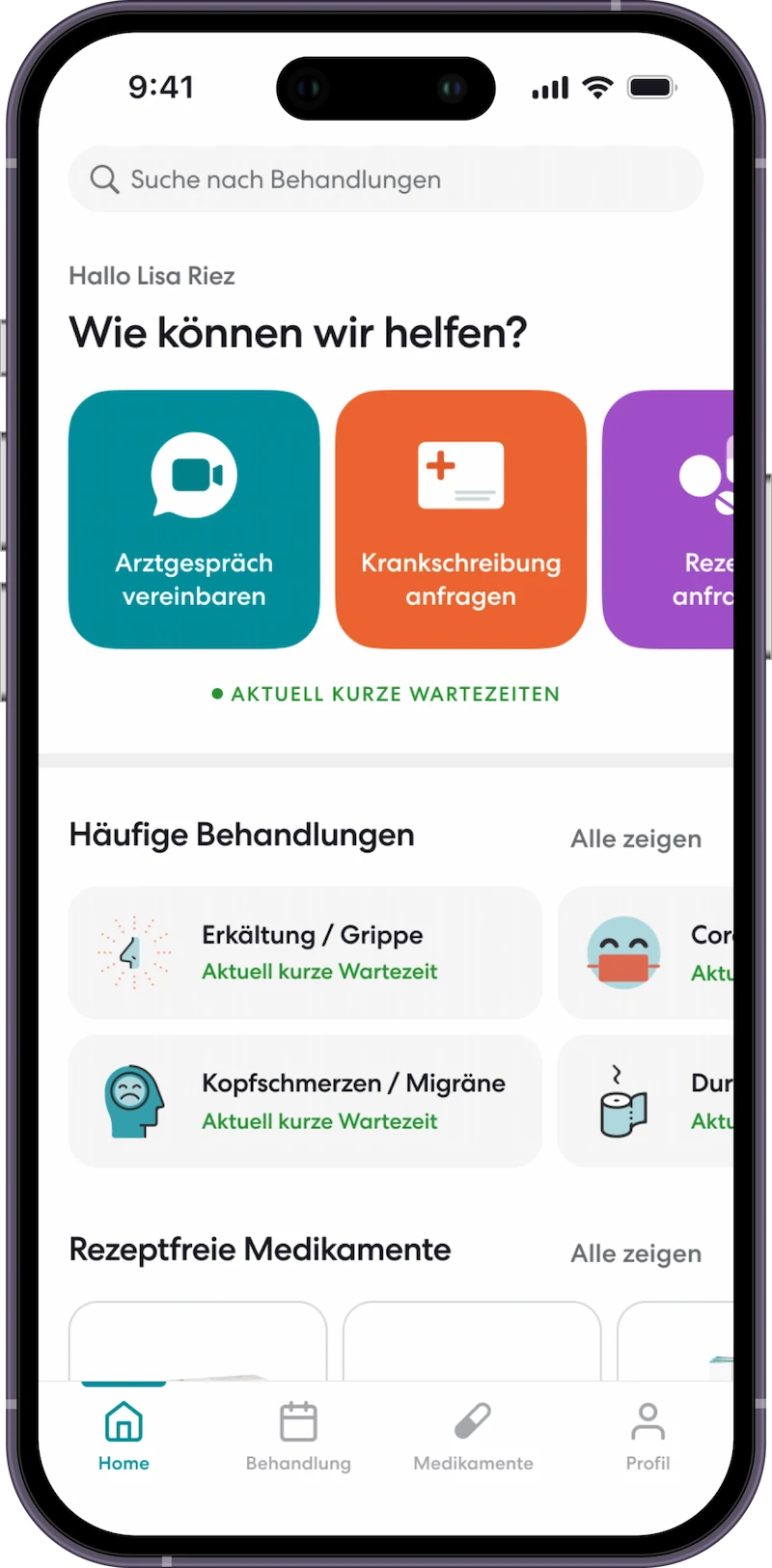
To start your digital doctor’s visit, you should first register – free of charge and easily in the web browser or directly via the app.
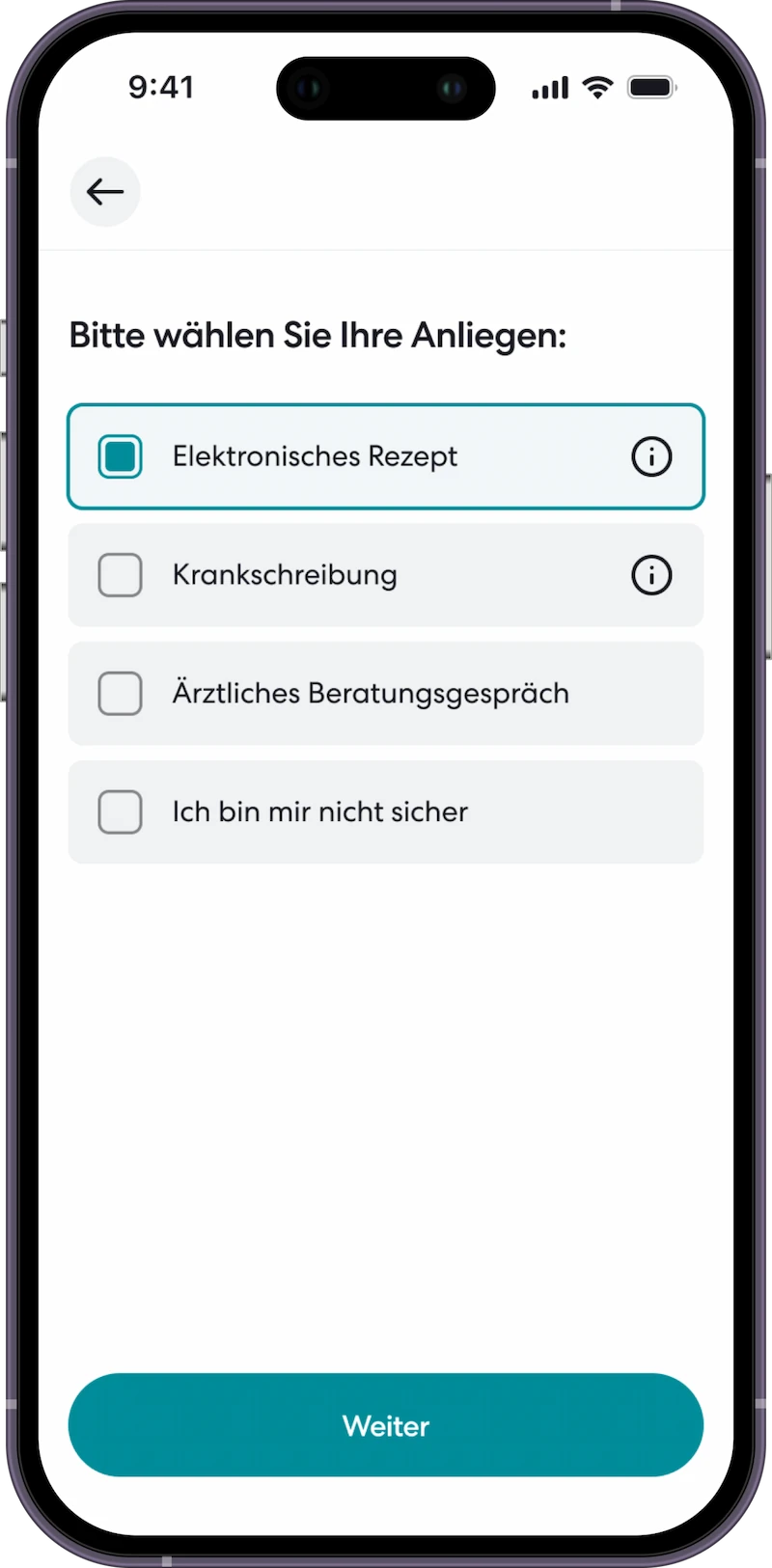
Answer a few questions about your health and choose whether you want to ask the doctor for a prescription, a sick note or a referral to a specialist doctor.
3. App download
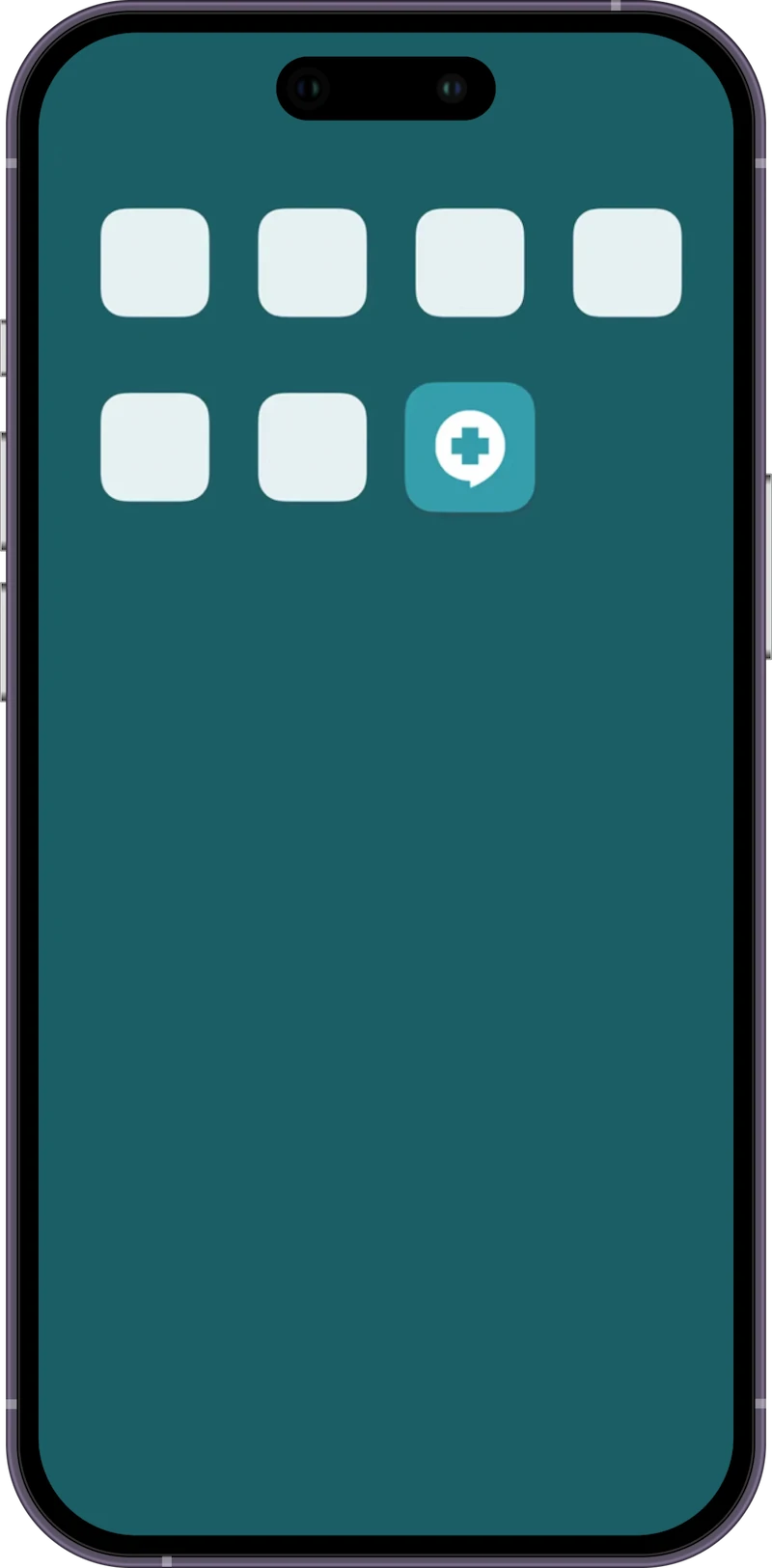
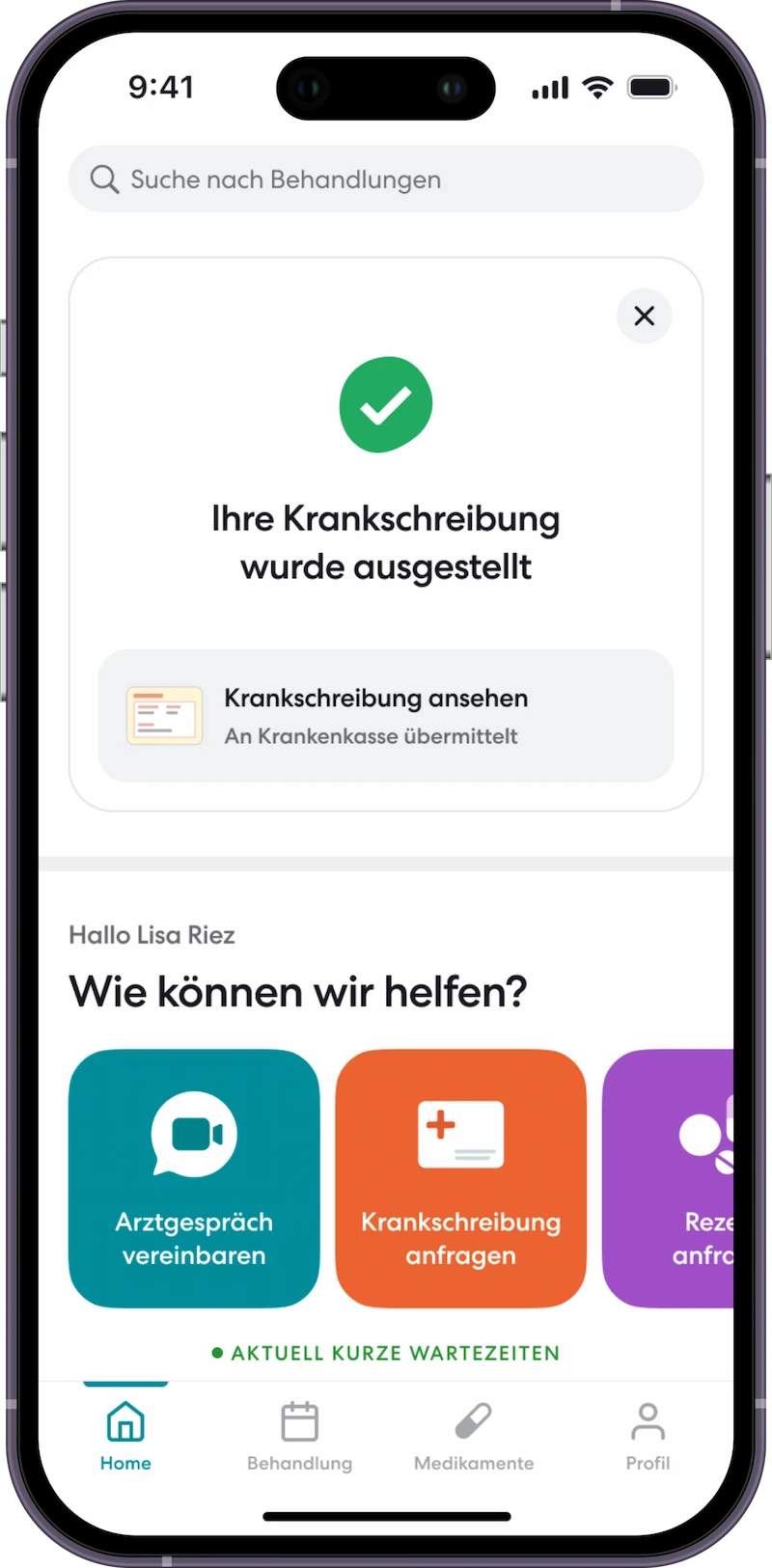
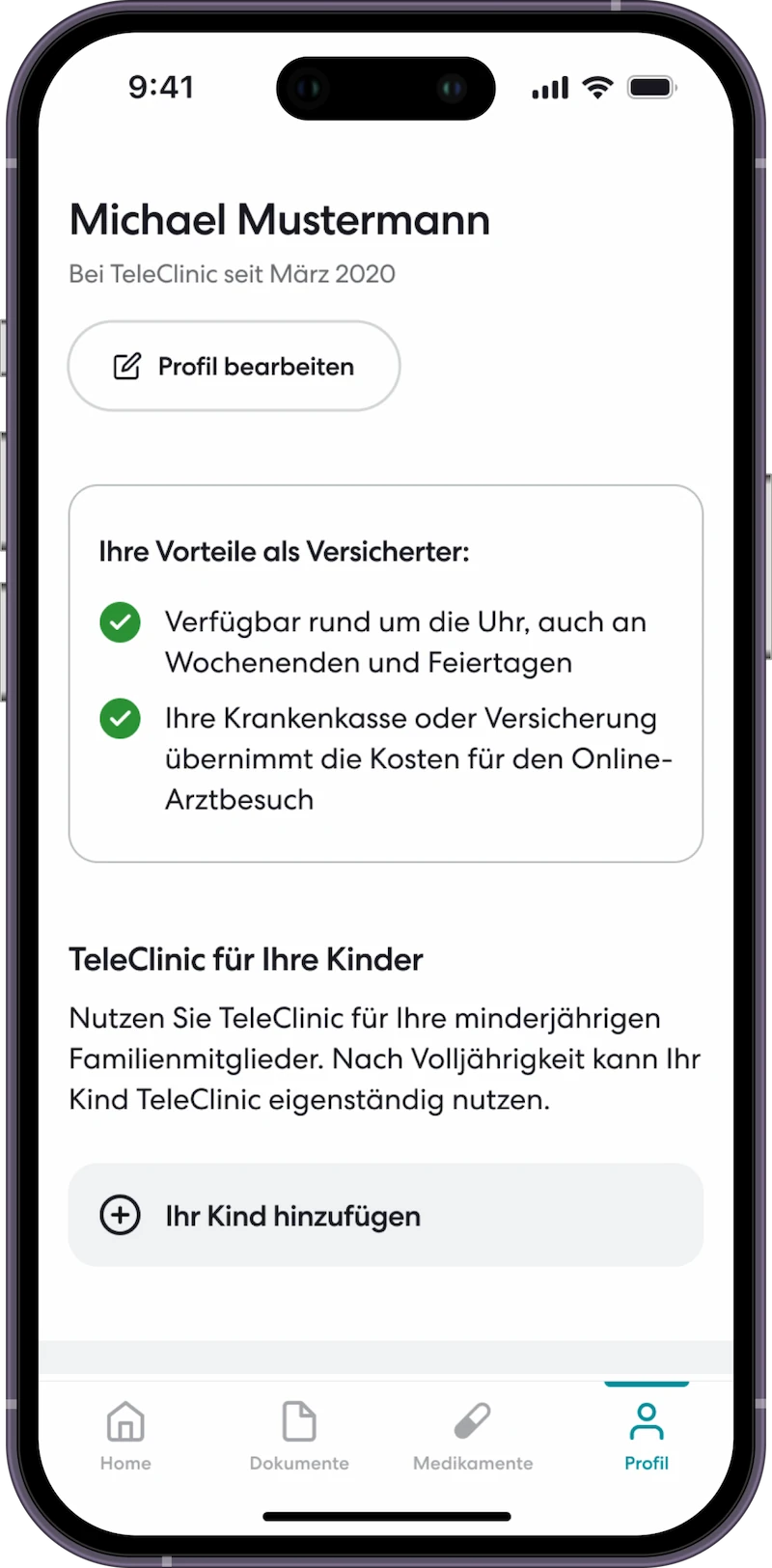
To be able to take part in the doctor’s consultation, you must next download the TeleClinic app. You can also use it to manage your sick notes, prescriptions and appointments.
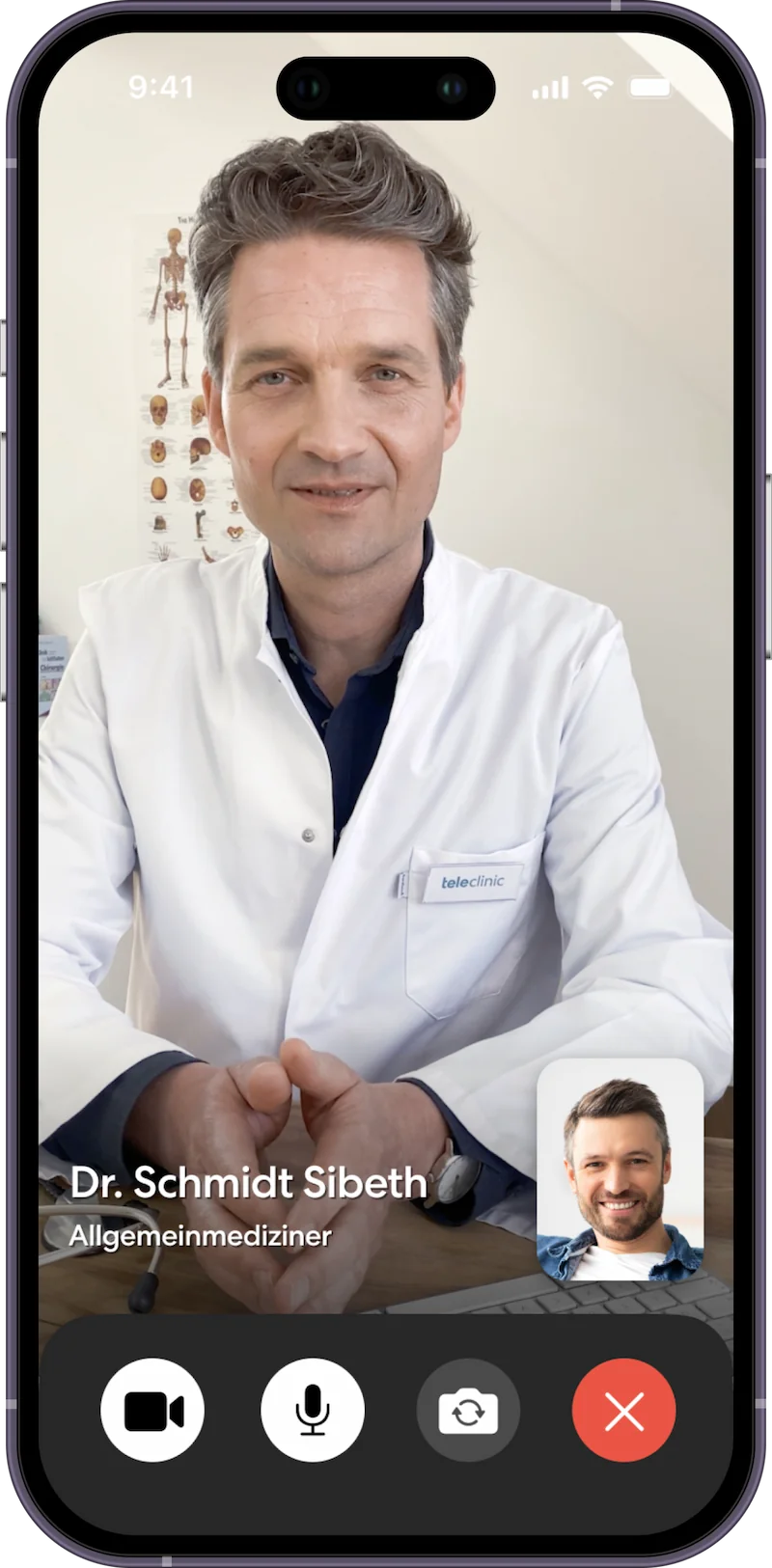
Once you have downloaded the TeleClinic app, the doctor can reach you at the agreed time via video call using the app. He or she will take time for you until all your concerns have been clarified.
Optional steps
Optional:
Redeem prescription
If your doctor has issued you with a prescription, you can redeem it directly via the app. Patients can redeem prescriptions at a local pharmacy or a mail-order pharmacy.
Optional:
Manage sick note
If your doctor has issued you with a sick note, you can send it directly to your employer via the app.
5. Coverage of costs & payment
Statutory health insurance
As with in-person appointments, the costs for your online doctor’s visit will be covered by your health insurance. All you need to do is provide your insurance card during the registration process and we will take care of the rest.
Private health insurance
As a privately insured person, you will receive an invoice as usual in accordance with the scale of fees for doctors (GoÄ), which you can submit to your insurance company.
Request a doctor’s appointment, prescription, and sick note in just a few clicks via the app. Issuance is at the doctor’s discretion via video consultation.
Consultation with a doctor, prescription (including health insurance prescription, private prescription, referral prescription) and sick note in minutes via app.
Request a doctor’s appointment, prescription, and sick note in just a few clicks via the app. Issuance is at the doctor’s discretion via video consultation.
Consultation with a doctor, prescription (including health insurance prescription, private prescription, referral prescription) and sick note in minutes via app.